

Latest, Recommended, Niche, and Most Viewed Articles

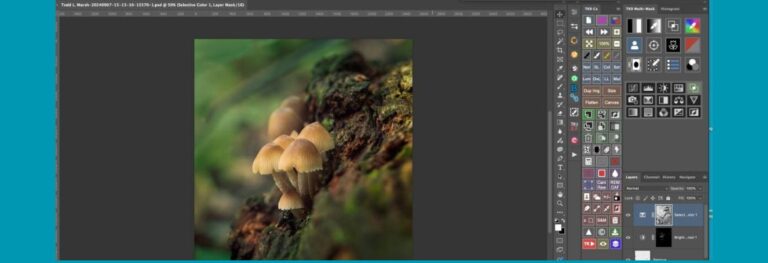
Refining Masks for Difficult Selections Using a New Feature in Adobe Camera Raw
A new feature in Adobe Camera Raw makes it easier to refine masks for difficult selections in busy areas of your image. I have include an example of selecting the sky between branches and leaves of a tree. But the new masking feature can work on all kinds of selections like separating a …



Recommended Articles


Previous Articles


Bloodroot: The Spring Wildflower That Vanishes in a Day and Bleeds When You Break It
Bloodroot (Sanguinaria canadensis) is one of the earliest wildflowers to appear on the eastern North American forest floor each spring …


Flora & Fauna Articles


Behind the Image
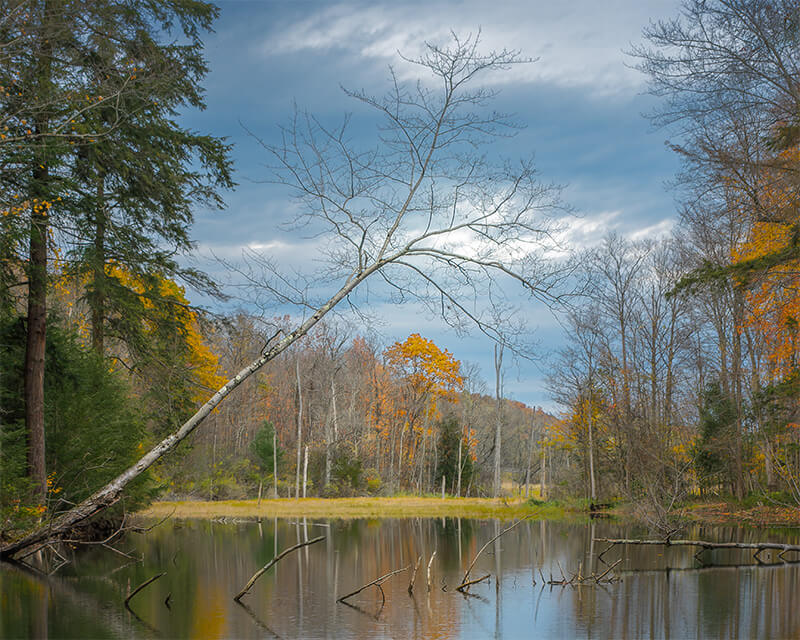
I Shot the Reflection. The Critique Group Didn’t See One
I Shot the Reflection. The critique group didn’t see one. What I see, others don’t. Why reviewers instinctively reach for the crop tool — and why you instinctively resist them. The biology is more interesting than the opinion. I’d spent fifteen minutes in the field working out the composition. Leaning …


Most Popular Articles



Fastest Growing Articles
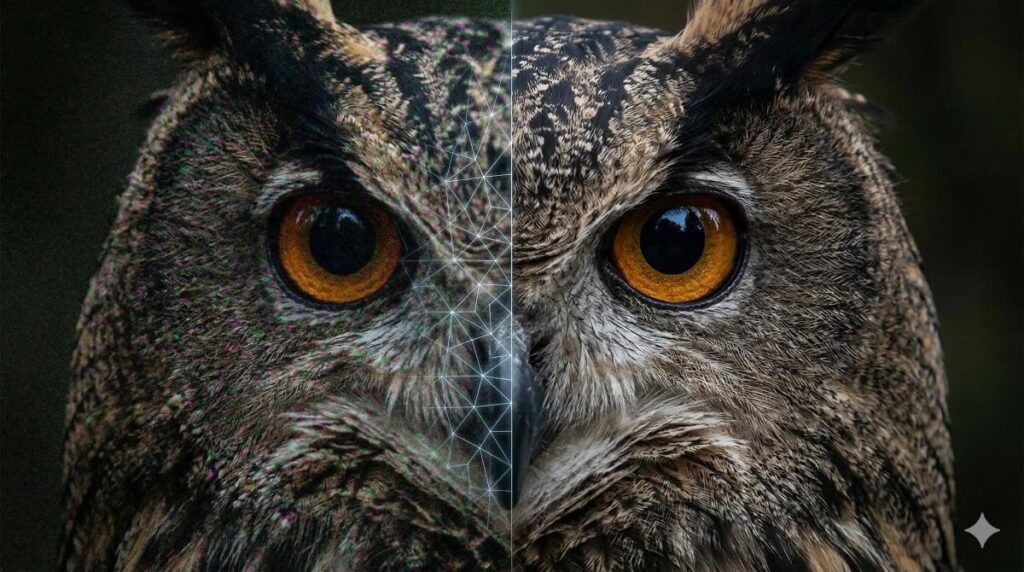
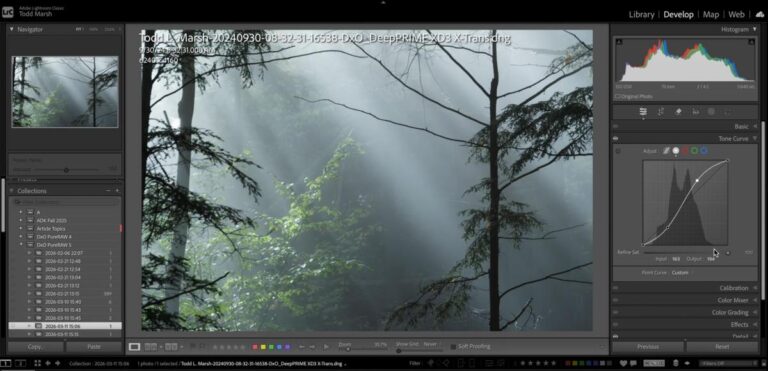
DxO PureRAW vs. Lightroom AI Denoise: Which Recovers More Detail at High ISO?
Both DxO PureRAW and Lightroom AI Denoise use neural networks to remove noise from RAW files, but they intervene at …


